
Top Tips: Astrophotography
Dark Skies
Winter is astrophotography season, and although it might seem daunting, these tips will show you how to photograph the stars with a Sony Alpha camera.
First, find an area free from light pollution created by towns and cities. Use an app or website to find a dark sky area and remember to check the weather for a clear night!
 © Stefan Liebermann | Sony α7 IV + FE 14mm f/1.8 GM | 15s @ f/1.8, ISO 3200
Cameras and Lenses
Any Sony Alpha camera can capture planets and stars, owing to the excellent performance of the sensors at high ISO sensitivities. Astrophotographers tend to favour the Sony Alpha 7S III thanks to the performance of its 12-million-pixel full-frame sensor.
When it comes to lenses, the best option is a wide-angle lens that allows you to capture the majestic arc of the Milky Way. A wide-angle lens will also give you some foreground landscape at the bottom of the image to add scale and a sense of the location.
The Sony FE 14mm F/1.8 G Master lens is exceptional for astrophotography, with superb performance, even at the edges, rendering stars perfectly. For tighter budgets, the FE 24mm f/2.8 G lens is excellent for getting started. While the FE 12-24mm f/2.8 GM and FE 16-35mm f/2.8 GM II lenses are great options that many photographers already have in their kit bag.
 © Michael Schaake | Sony α7R III + 25mm f/2 | 15s @ f/2.0, ISO 8000
Keep Everything Stable
For astrophotography, a solid tripod is essential to keep your kit completely still during long exposures. If you don't have a heavy tripod, you can always make your own more stable by attaching your camera bag to the hook usually found at the bottom of the centre column. Just ensure the bag is touching the ground slightly, so that it doesn't swing around. Also, keep the use of the centre column to a minimum, the higher it’s, the more prone your camera will be to tiny movements.
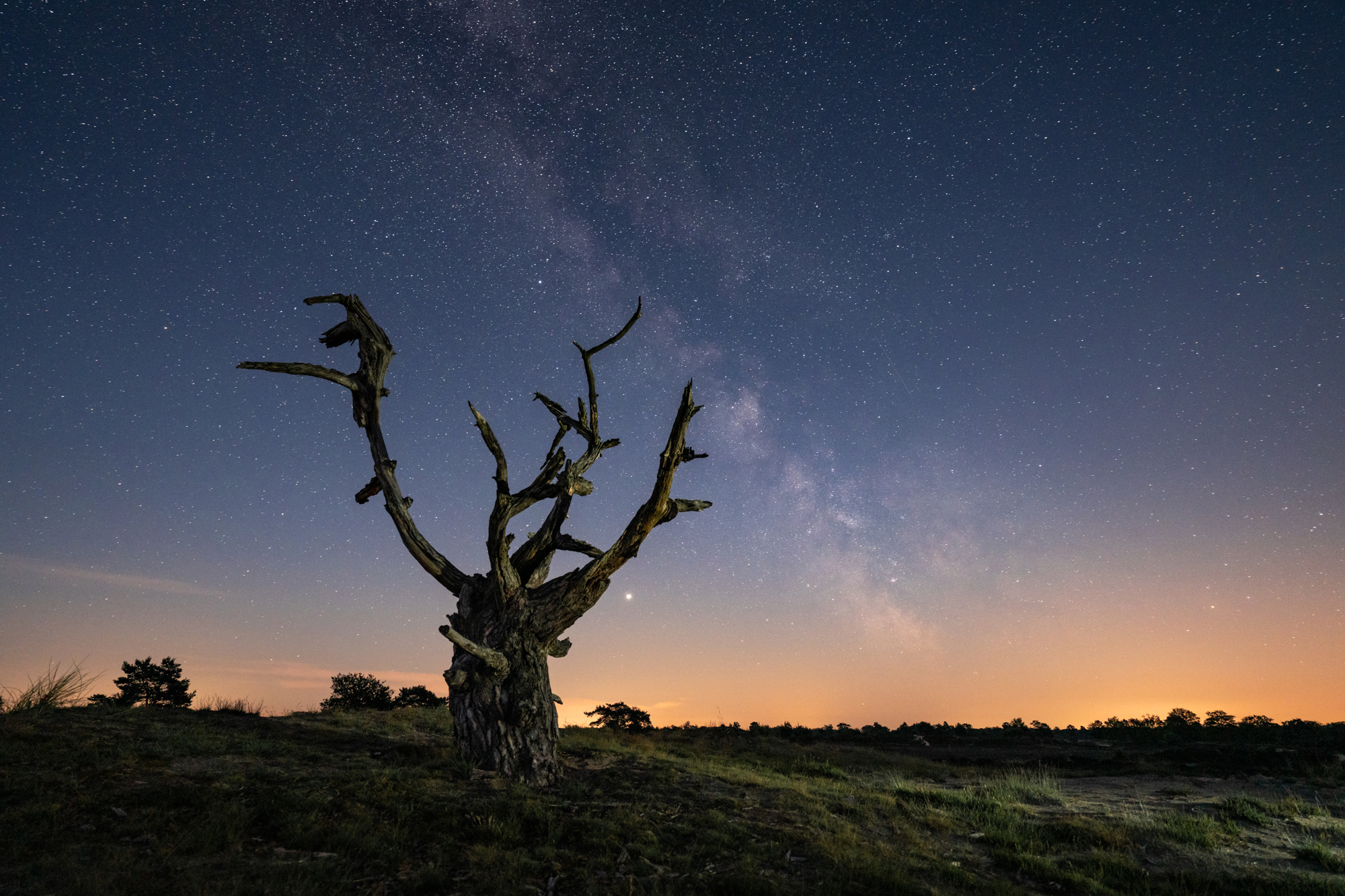 © Albert Dros | Sony α7R IV + FE 12-24mm f/2.8 GM | 20s @ f/2.8, ISO 3200
Rule of 500
One of the biggest challenges astrophotographers face is competing with the Earth's rotation. To keep the stars from becoming blurred, there is a simple rule, the ‘Rule of 500’. This is where you divide the focal length of your lens by 500, giving you the slowest shutter speed - in seconds - that you can use to keep the stars sharp. For example, for a 24mm lens, 500/24 is around 20 seconds. If you use a high-resolution camera, like the Alpha 7R V with its 61 mega-pixel sensor, you may want to change the rule to 400 to ensure pin-sharp stars.
 © Stefan Liebermann | Sony α7 IIII + FE 16-35mm f/2.8 GM | 13s @ f/4.5, ISO 1600
Aperture and ISO
You want as much light as possible to reach the sensor so that you can use the lowest ISO sensitivity possible. Do this by setting your lens to its widest aperture setting. Ideally, this should be f/2.8 or larger. With those settings, the ISO sensitivity controls the exposure.
Start at ISO 1600, then check the results and go from there. For a brighter image, you can go to ISO 3200 or even 6400. If you want a darker image and even sharper stars, halve the shutter speed or the sensitivity, for example, to ISO 800. There will almost certainly be some trial and error involved.
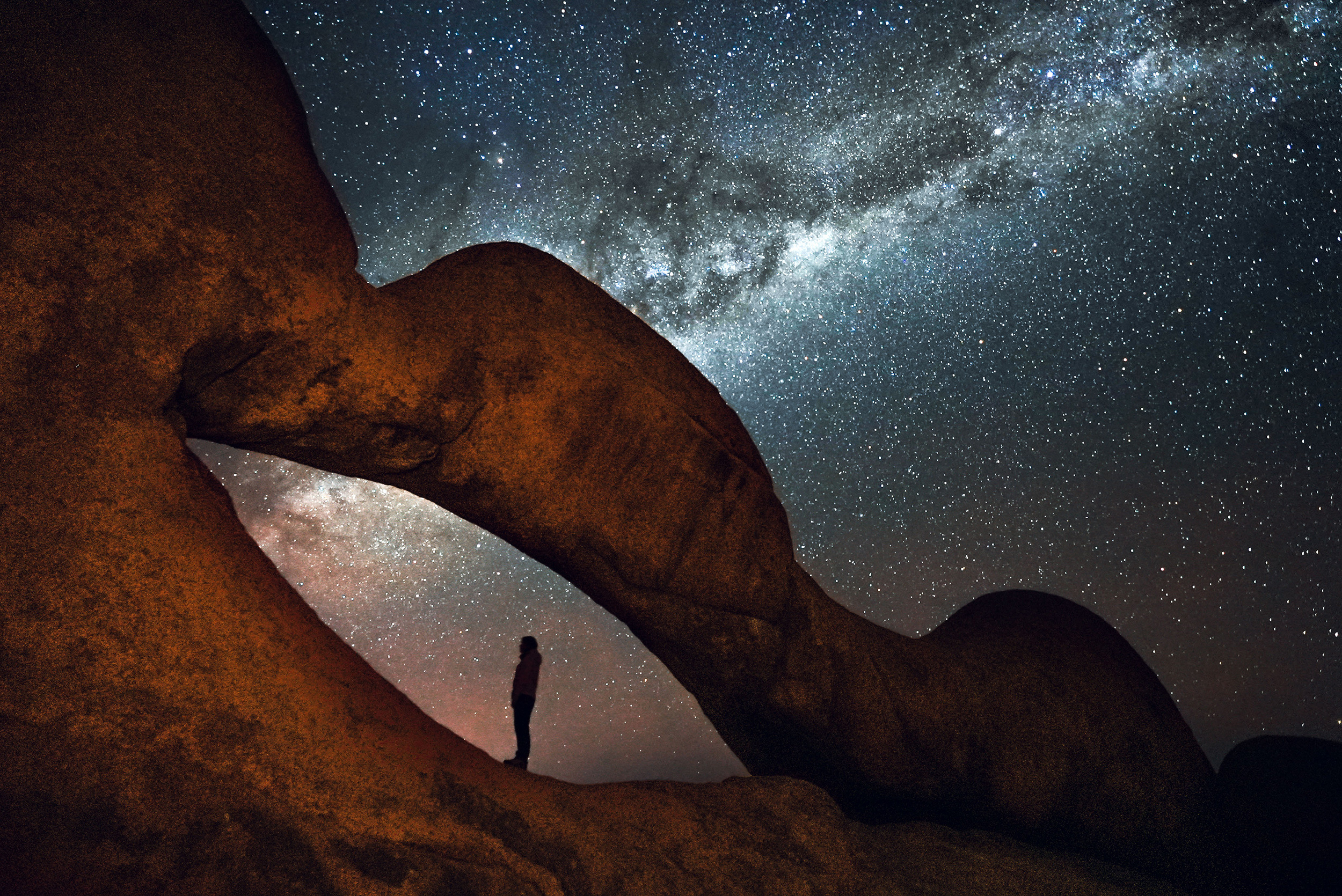 © Tolis Fragoudis | Sony α7S III + FE 16-35mm f/2.8 GM | 15s @ f/2.8, ISO 6400
Noise Reduction
For best results, shoot uncompressed raw images and use the Long Exposure Noise reduction feature. This takes a second image with the same exposure time, but with the shutter closed, allowing the camera to subtract any noise caused by sensor heat. Be aware this is time-consuming for long exposures, as it doubles the time it takes between taking each shot. If short on time, you can turn off this setting and use raw editing software to handle the noise but be cautious as it may remove some stars it identifies as noisy pixels.
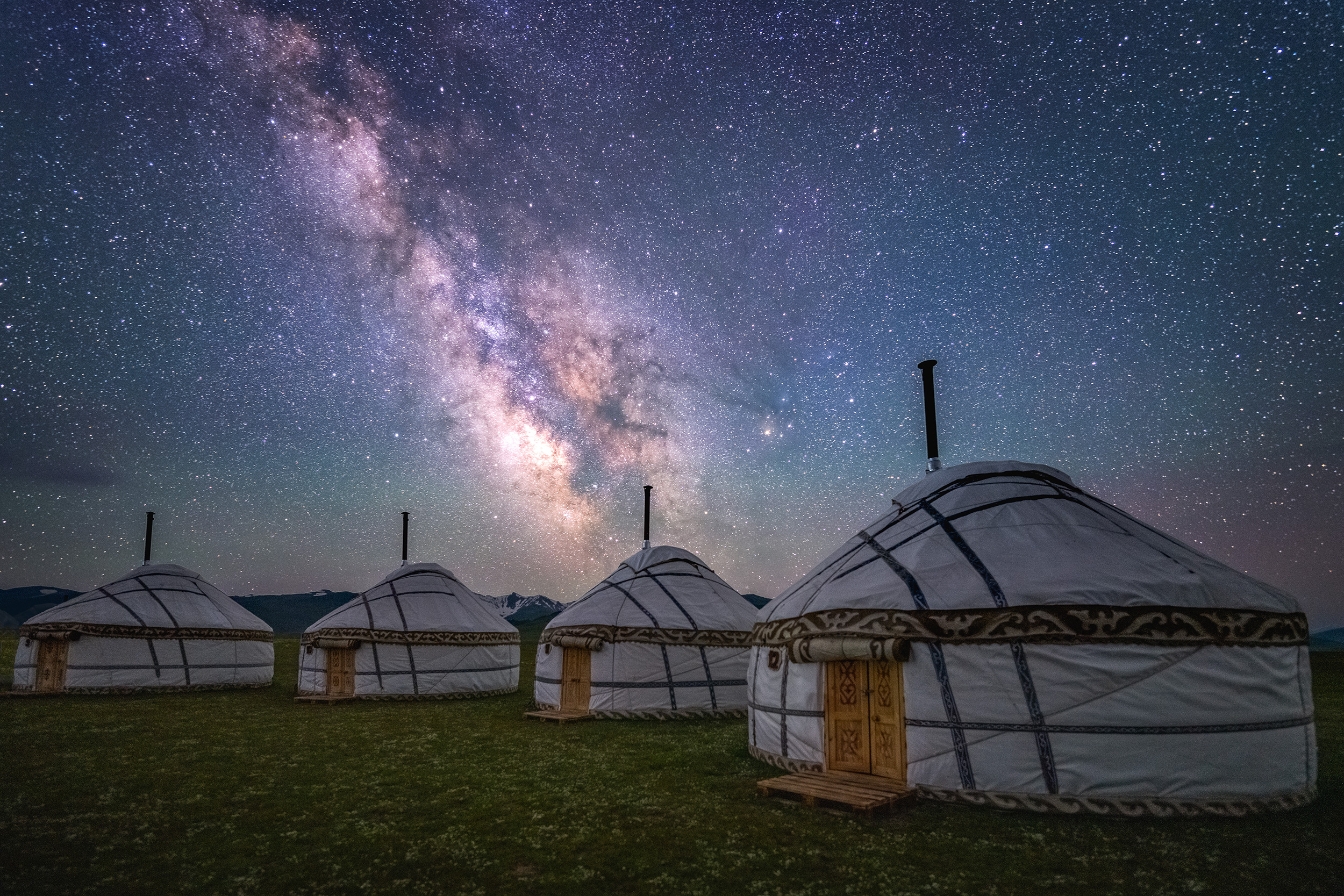 © Albert Dros | Sony α7R IV + FE 14mm f/1.8 GM | 20s @ f/1.8, ISO 6400
Focusing
Focusing on the stars in the sky is best done manually, which is easy with the Focus Magnifier tool. Select MENU → (Focus) → [Focus Assistant] → [Auto Magnifier in MF] → [On]. When you turn the manual focus ring on the lens, a magnifier is shown on the screen. Press the centre button on the control dial to magnify further and focus with absolute precision.
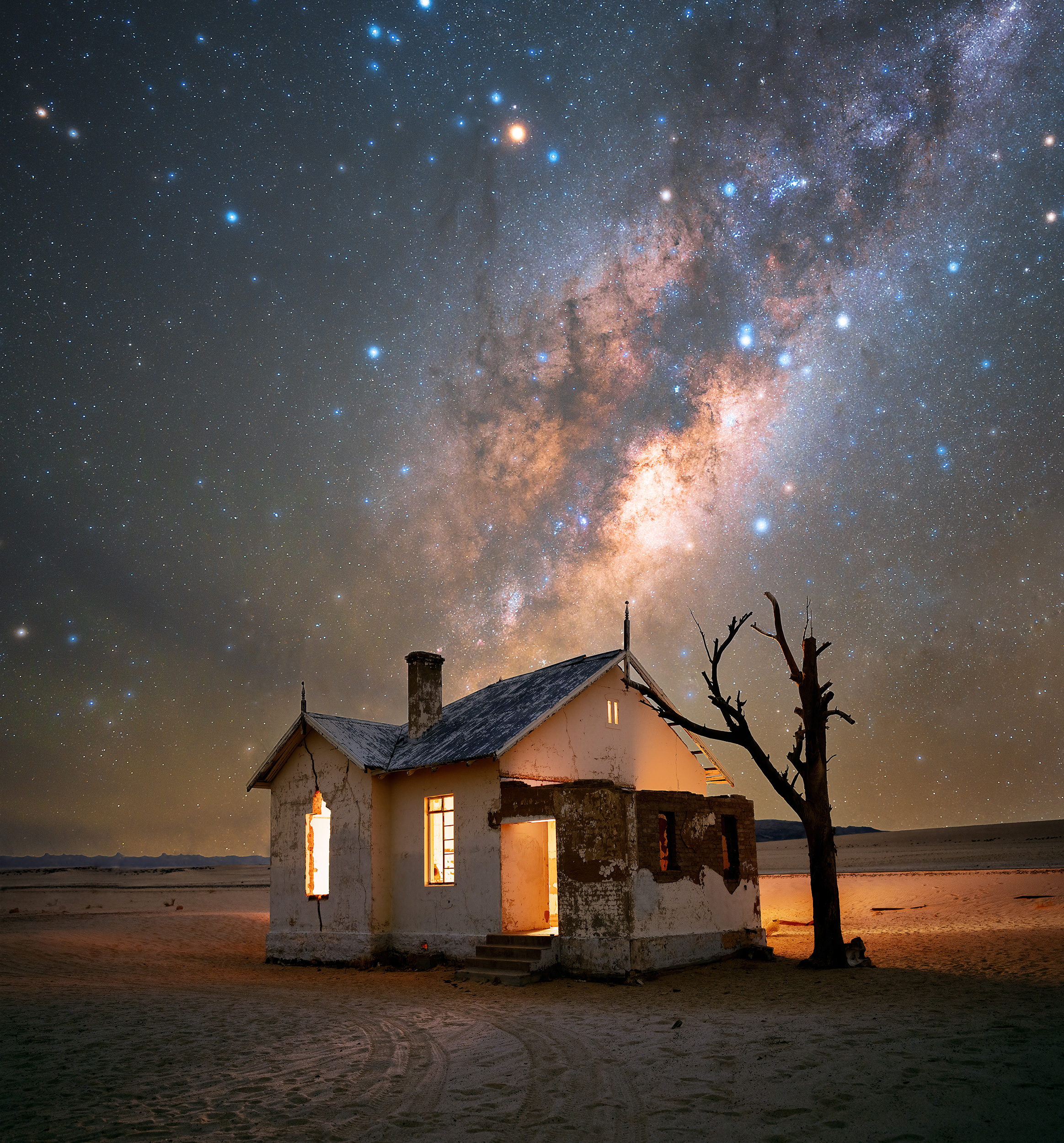 © Stefan Liebermann | Sony α7R V + FE 24mm f/1.4 GM | 120s @ f/1.6, ISO 1000
Don't Touch the Camera
While your tripod will keep the camera stable, use a self-timer to avoid any unnecessary movements, as the slightest movement can affect the sharpness of a long exposure image. Go to MENU → (Shooting) → [Drive Mode] → [Self Timer (Single)] and add a delay after you have pressed the shutter button. Five seconds should be enough time for the camera to stop any micro-movements after you have pressed the shutter button before it fires the shutter.
Alternatively, use the Sony Image Edge Mobile software to fire the shutter remotely via your smartphone or tablet.
The final option is the RM-SPR1 Remote Commander, which uses a wired connection to fire the shutter without touching the camera.
Summary
- Find a dark sky area with little or no light pollution
- Shoot with a wide-angle lens like the FE 14mm f/1.8 GM lens
- Use a solid tripod to keep everything steady
- Use the Rule of 500 to find out your shutter speed
- Open your aperture as wide as it will go - preferably f/2.8
- Use the ISO setting to adjust your exposure brightness
- Shoot Raw and use Long Exposure Noise Reduction for best results
- Manually focus on the starts using Auto Focus Magnifier
- Use a self-timer, Imaging Edge Mobile or a remote controller to fire the shutter.


