
Top Tips: Photographing the Autumn Equinox
Festivities and Events
On Sunday, 22nd September 2024, those living in the Northern Hemisphere will experience the Autumn Equinox, when day and night are equal in length. Officially marking the start of Autumn, the days will start to get shorter while the nights longer and is a great time for photography.
On the day itself, you may find local festivals and celebrations. These are fantastic opportunities to try your hand at documenting an event that only happens once a year and has cultural and historical significance.
Any Sony camera can be used for documentary photography, but something smaller, like the Sony ZV-1 II or any of the Sony ZV range are great. The Sony Alpha 7C II is another great option, offering a full-frame sensor in a compact body.
For lenses, a wide to normal focal length zoom lens is ideal for the variety of scenes you may come across like the FE 24-70mm f/2.8 GM II lens. Wider lenses like the FE 16-35mm f/2.8 GM or FE 24-50mm f/2.8 G lenses are also great for street and documentary photography. If you are on a budget, the FE 24–105mm f/4 G OSS Lens is a great zoom choice, while the FE 40mm f/2.5 G lens provides a natural field of view, great for documentary shots and portraiture. The 40mm is also a small lens that pairs perfectly with the Alpha 7C series and ZV-E1 cameras.
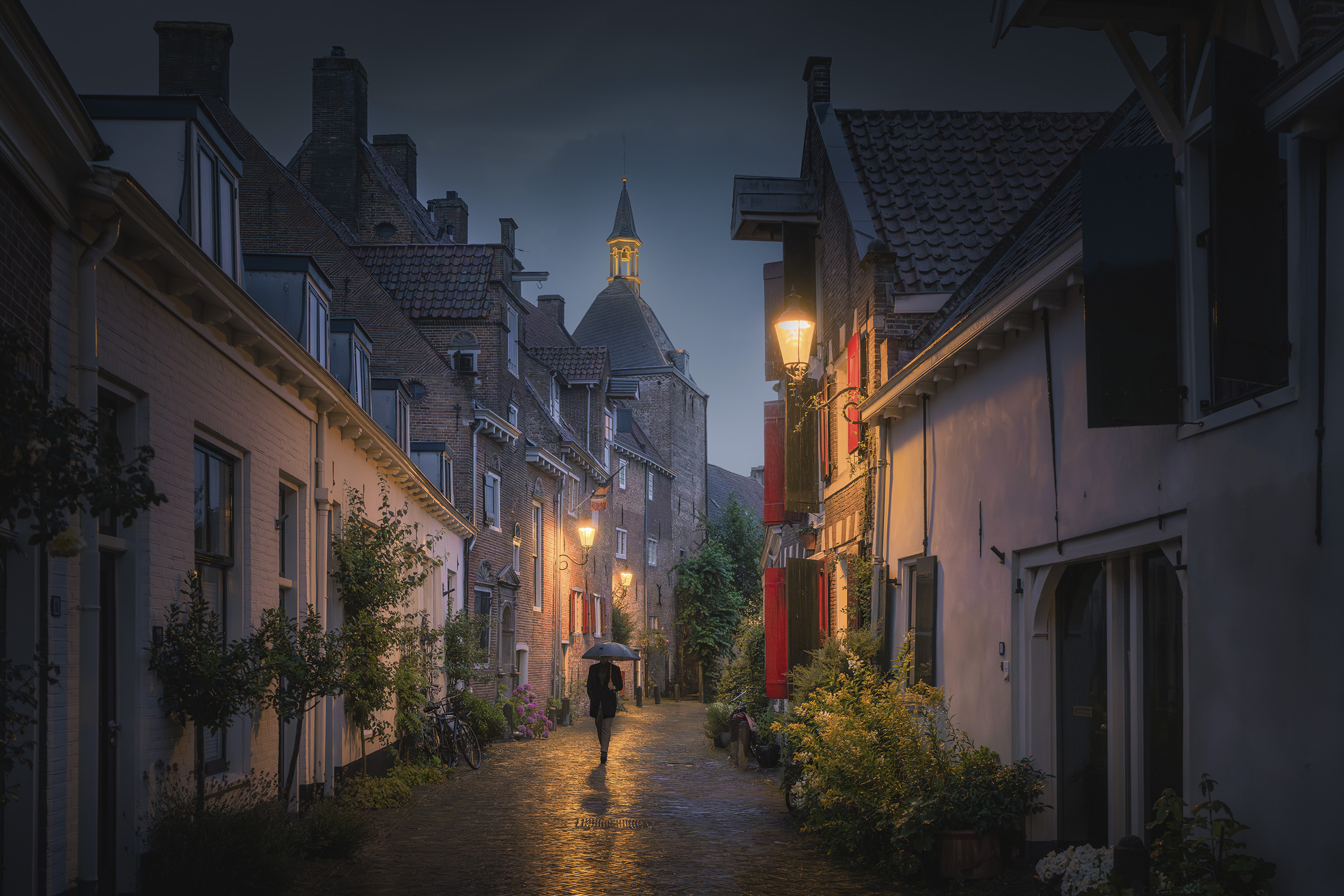 © Albert Dros | Sony α7R V + FE 16-35mm f/2.8 GM II | 1/6s @ f/8.0, ISO 200
Northern Lights
There is some evidence that the Northern Lights can be more active around this time due to the Earth's axial tilt. Obviously, it depends on weather conditions and where you are, but those living in Northern Europe may want to focus their lens upwards.
While the sky will be the main focus, you want to ensure that your image has some foreground interest, to help add context and scale. A wide-angle lens is best for this like the FE 12-24mm f/2.8 GM.
The days of long exposures are also long gone. Now, you can increase the ISO sensitivity of Sony cameras, and in combination with a large aperture setting, you can use a shorter exposure. The Sony Alpha 7S III is a phenomenal camera for shooting in low light, but don’t be scared of increasing the ISO setting.
To find out about shooting the Northern Lights, check out our expert guide from Norwegian photographer Ole Salomonsen in the links below.
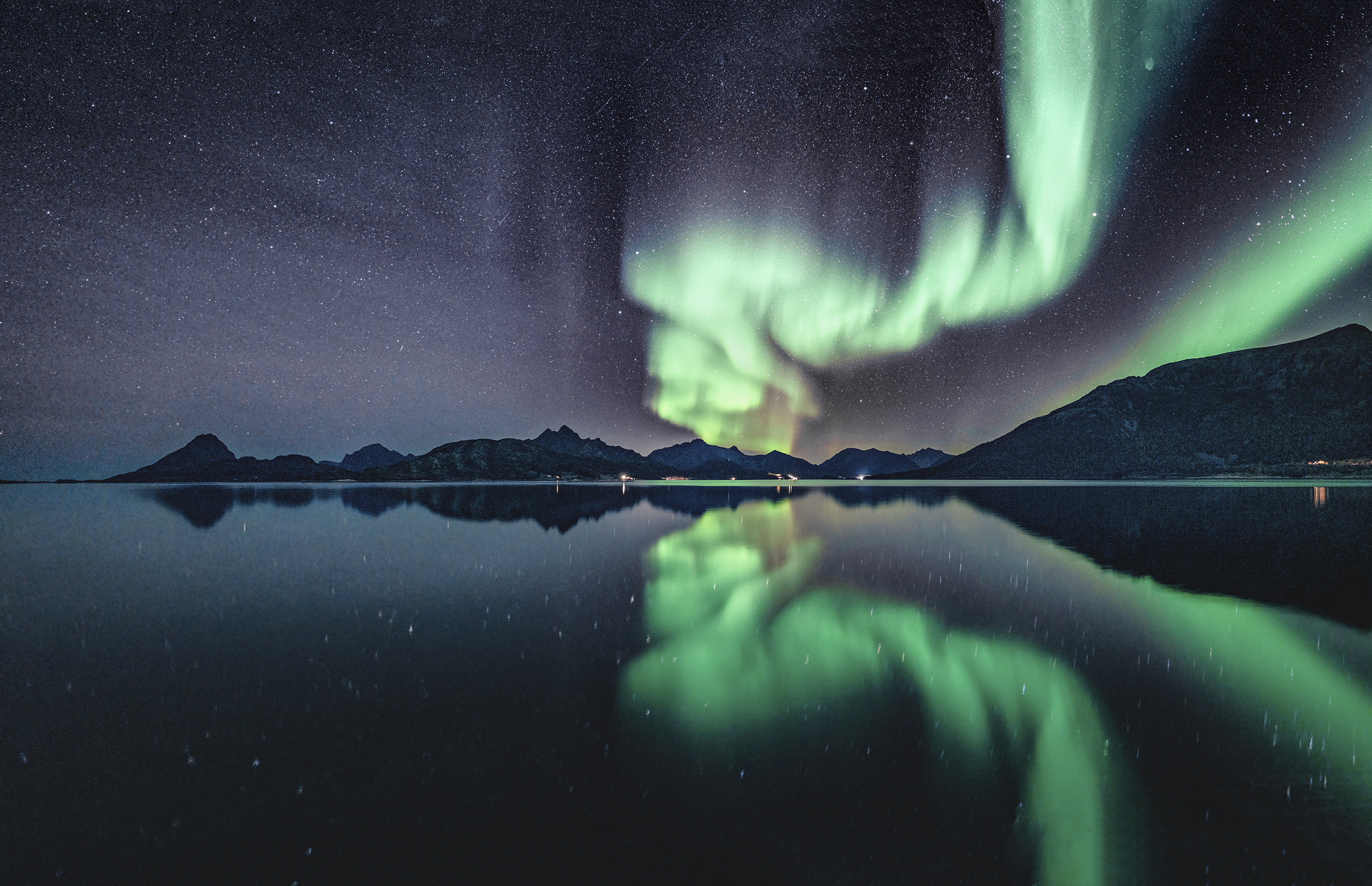 © Michael Schaake | Sony α7R IV + FE 24mm f/1.4 GM | 5s @ f/1.4, ISO 1600
Wildlife Behaviour
Every season provides a different opportunity for photographing wildlife as animals sense the change in seasons. As the Autumn nights get longer, animals begin preparations for winter whether that be increased activity foraging for hibernation or migration.
The wildlife you will come across will vary depending on where in Europe you are. Regardless of the type of wildlife you come across, the FE 200–600 mm f/5.6–6.3 G OSS lens Is one of the most versatile lenses for Sony E mount cameras. If you photograph birds, it’s a great lens to use with the Alpha 6700 or other APS-C Sony cameras for 1.5x effective magnification, meaning it’s the equivalent of a 300-900mm lens. Those with full-frame cameras can turn on APS-C/Super 35mm mode in the Camera Settings to get the same effect.
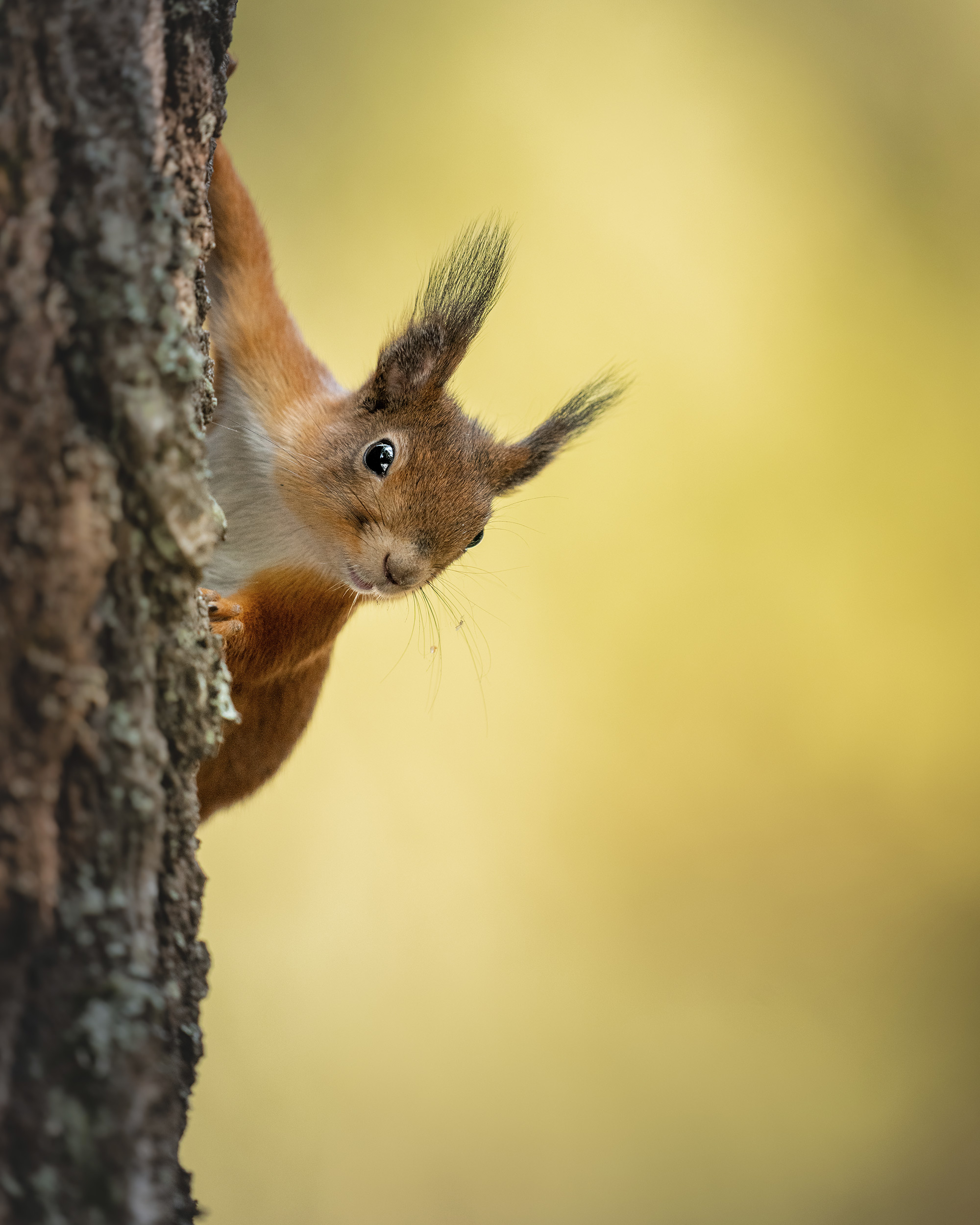 © Gamander López | Sony α1 + FE 400mm f/2.8 GM OSS + 1.4x Teleconverter | 1/640s @ f/4.0, ISO 2000
Create a Timelapse
With day and night being equal, there is the option to shoot a timelapse video of the entire day. Sony cameras have the ability to shoot a sequence of full-resolution images that can be transformed into a timelapse video using the Sony Imaging Edge Desktop software.
Timelapse shooting is a whole art form and there can be a lot of trial and error. But what you definitely need is to keep the camera perfectly still, preferably with a tripod. You also want to capture something happening. Day to night is a common theme, as shadows move across a scene and people move around. Be aware you may need an external battery to power your camera, like a USB power bank inserted into the camera. When you are ready, it’s time to set up the camera.
In the camera menu, select Interval Shooting Func[tion] from the Shooting Mode/Drive menu. Turn the settings on, then set the Shooting Interval, the time between each shot. I would suggest a setting between 30 and 60 seconds for a long timelapse. Then you need to select the Number of Shots. There are 1440 minutes in a day, so if you have chosen 60 seconds as the Shooting Interval select choose 1440, or 2880 for 30 seconds.
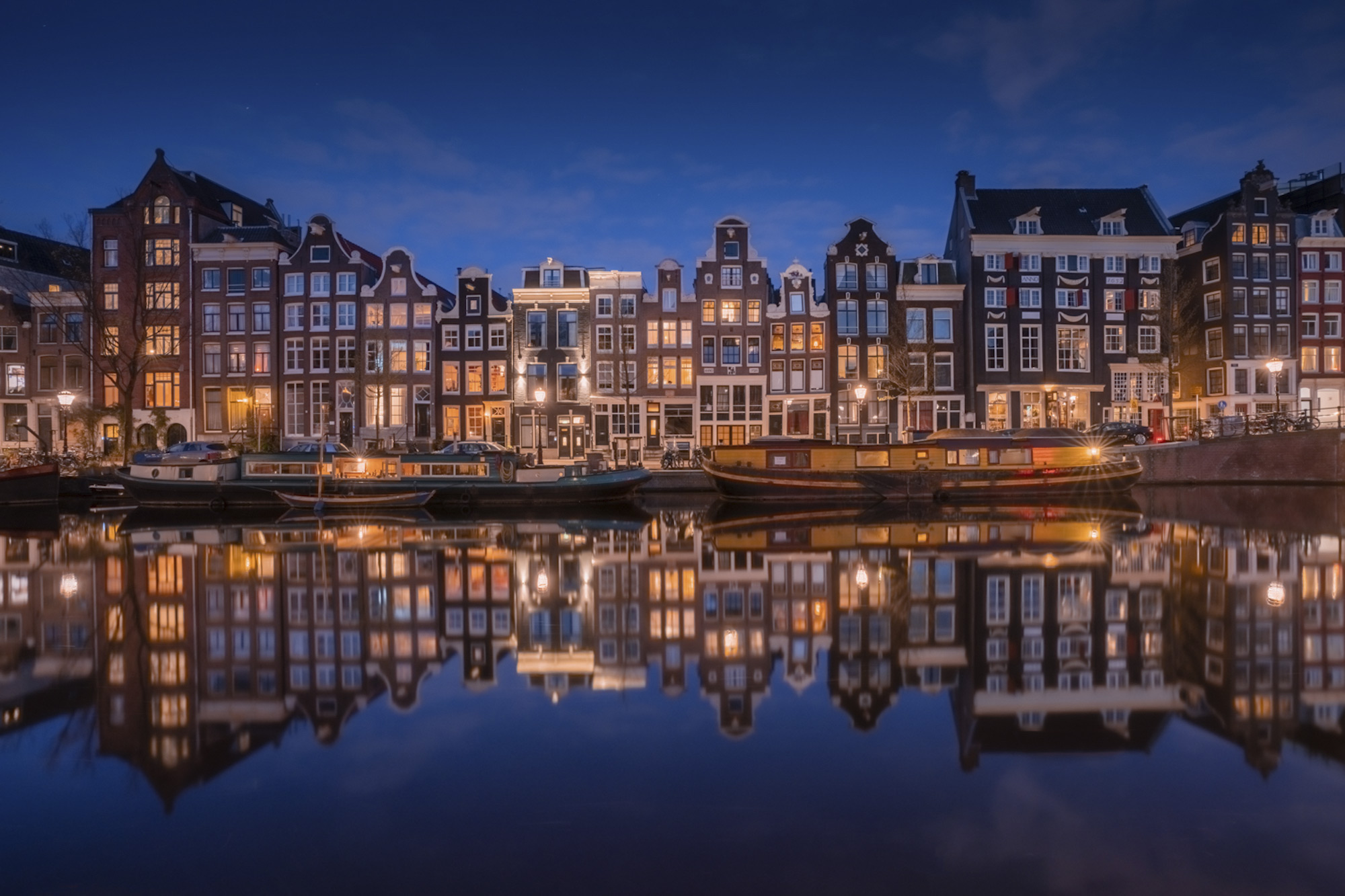 © Albert Dros | Sony α7R IV + FE 16-35mm f/2.8 GM | 1/8s @ f/10, ISO 500
To avoid sudden changes in exposure between shots, set the Exposure Tracking to low. For best results, go to Camera Settings and set the Aspect Ratio to 16:9, which will help you create the final movie.
With Imaging Edge Desktop installed on your computer, load all of your images and follow the settings to create a timelapse movie.


